Map the work
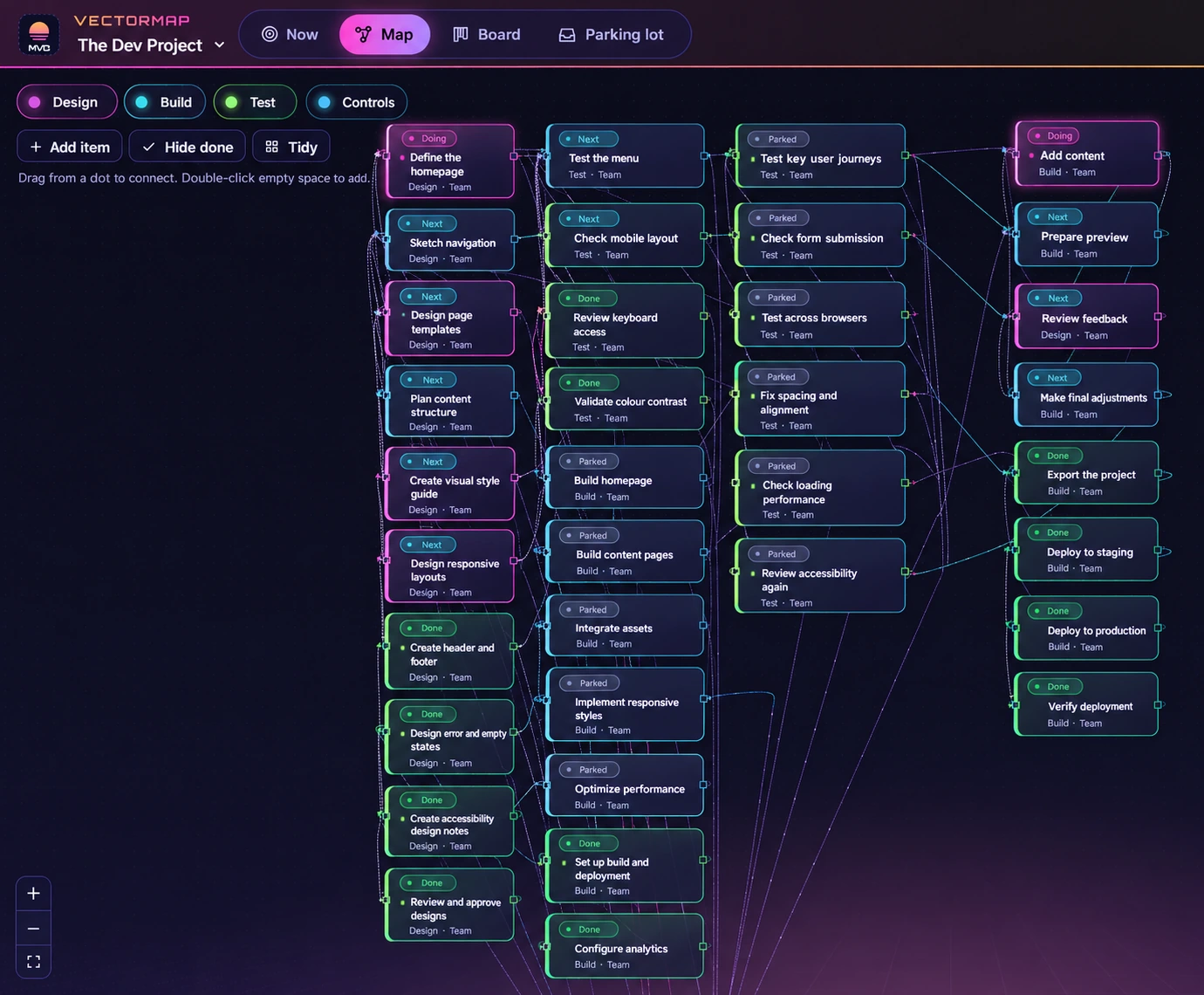
Arrange project nodes and use links to show how they connect.
Project tools / Version 1.0.0

Get the project out of your head. See how it connects.
A local browser tool for turning ideas and tasks into a map you can move around. Add nodes, connect the pieces and bring the plan back into focus when it starts getting complicated.
Download
Windows x64 ZIP · Revision 2 · Signed 28 October 2026 · 35,429,071 bytes (33.79 MiB) · Hosted on GitHub · SHA-256 checksum
VectorMap is proprietary software, free to use under the linked license. It is not open source. The browser JavaScript is included and can be inspected; the license explains the rights that come with it.
How it works
Arrange project nodes and use links to show how they connect.
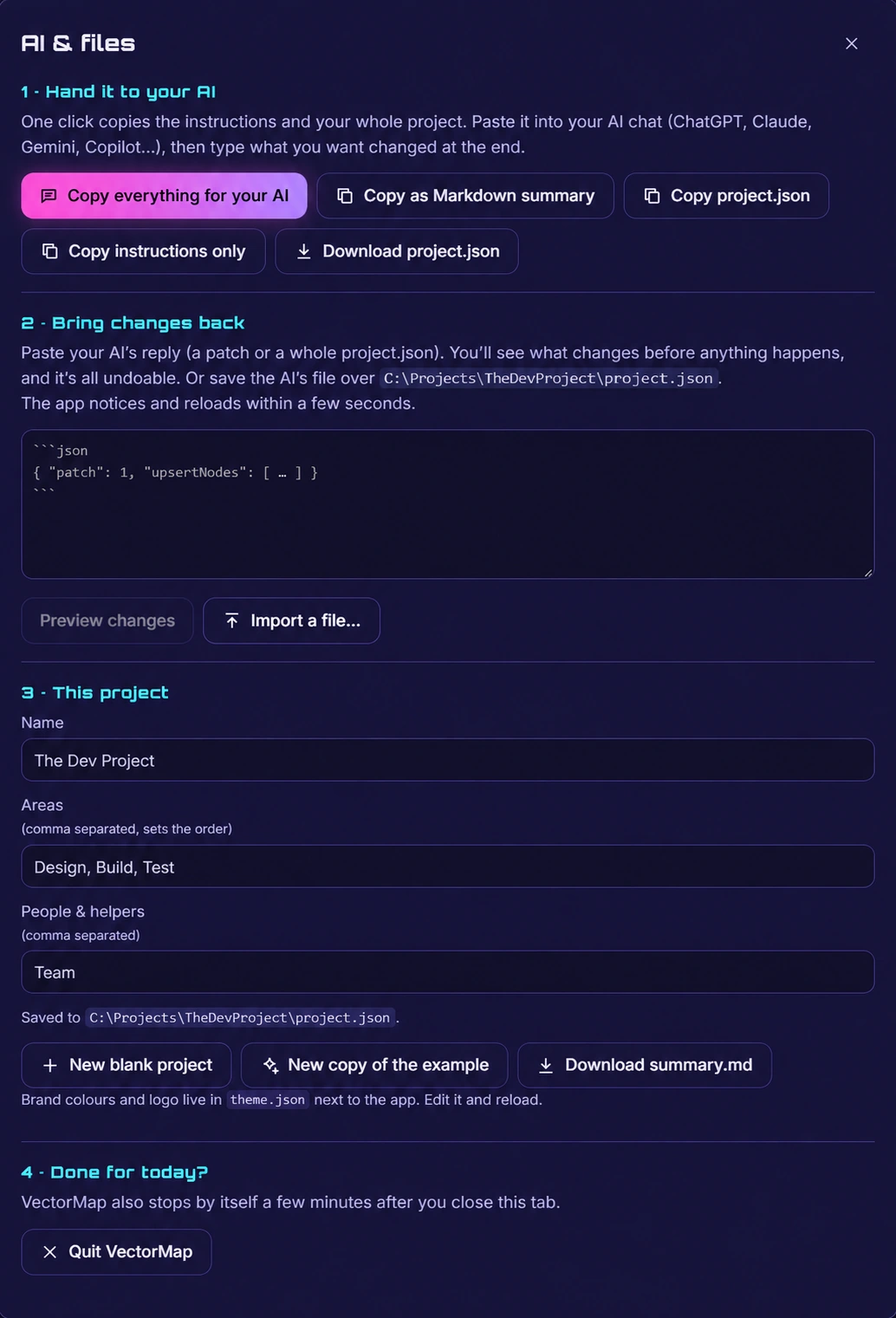
Import and export your project as JSON. Save a backup before trying a large set of changes.
A portable project file gives you a way to return to the same map and continue working.
A look inside
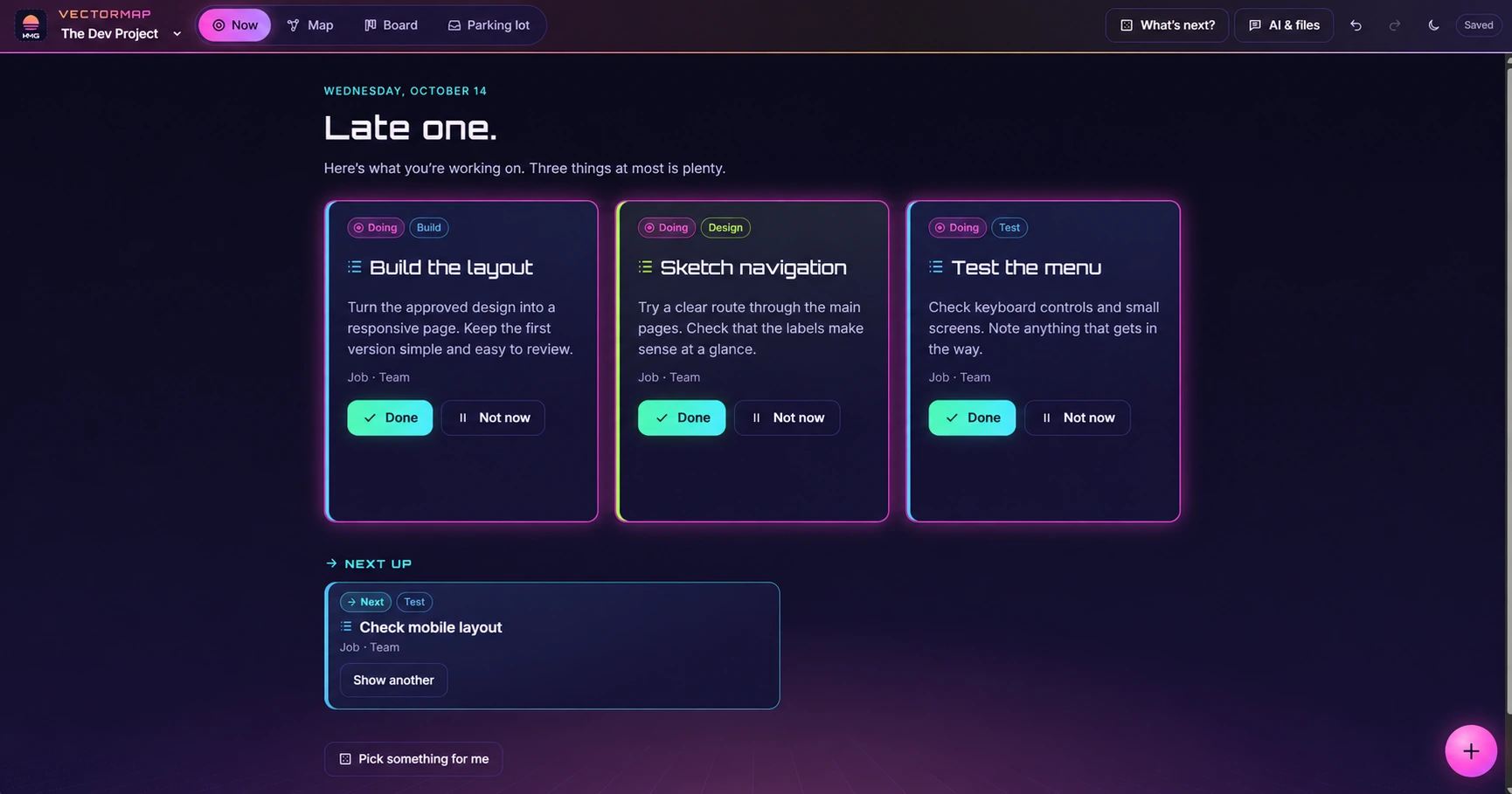
AI-edited interface previews with illustrative project data. The Dev Project is a fictional example, used here in place of private work.
First launch
For Windows x64 with a web browser. The download includes the runtime, so no separate Node.js installation or command line is needed.
VectorMap-v1.0.0-win-x64.exe. The app runs locally and opens in your browser.The application executable is digitally signed by Mythvector Games LLC with a trusted timestamp. Windows may still display a SmartScreen reputation warning. Check the signature and follow your Windows security policy; do not disable security protections. Application code is unchanged.
Windows x64 runtime checks passed. Automatic browser opening and the default Documents folder location were reviewed in the code; testing used a separate portable data folder.
Read the getting-started guide for project storage, backups and included license notices.