Codex & ChatGPT
Codex allowance windows, plan and credits use an existing Codex ChatGPT sign-in. ChatGPT shows shared plan/credit status, not separate per-model message limits.
Keep an eye on the next reset.
MYTHVECTOR AI Usage Monitor 0.1.0 is a compact Windows desktop app for viewing supported AI usage windows, remaining or used meters, and reset countdowns. Keep it on top, choose which providers to show, and switch between four skins.
Self-contained ZIP · 57.65 MiB · 60,449,034 bytes · Signed 28 October 2026 · Hosted on GitHub · SHA-256 checksum
The application executable is digitally signed by Mythvector Games LLC with a trusted timestamp. Windows may still display a SmartScreen reputation warning. Check the signature and follow your Windows security policy; do not disable security protections. Application code is unchanged. The developer has tested and approved this release. Package and source inspection did not include independent live testing.
Proprietary software, free for personal, educational, nonprofit and commercial use under the linked license. Third-party components retain their own license terms.
Actual app screenshots with real usage readings at capture time. Available data varies by provider and account.
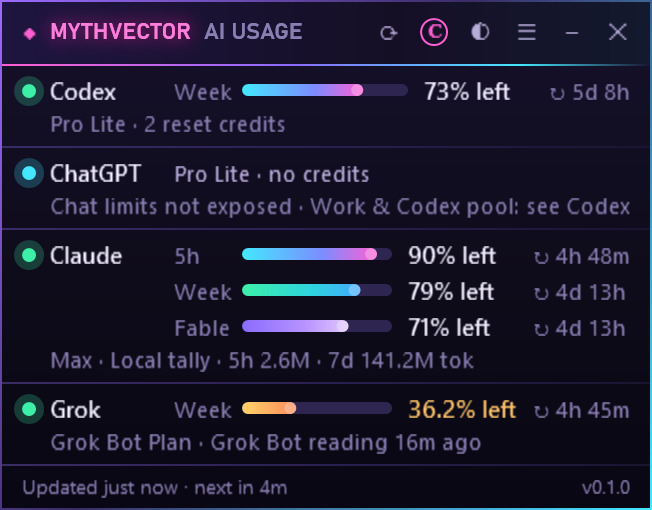
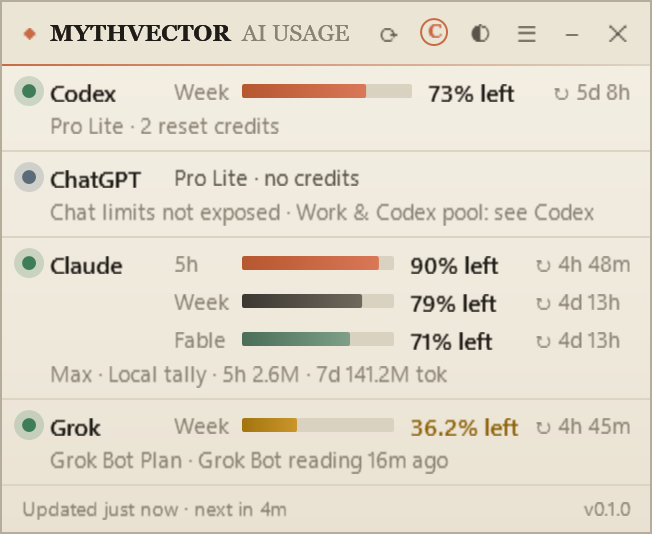
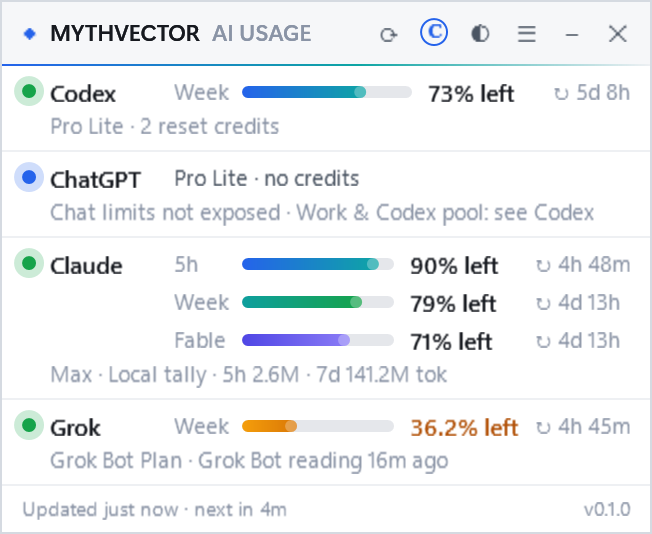
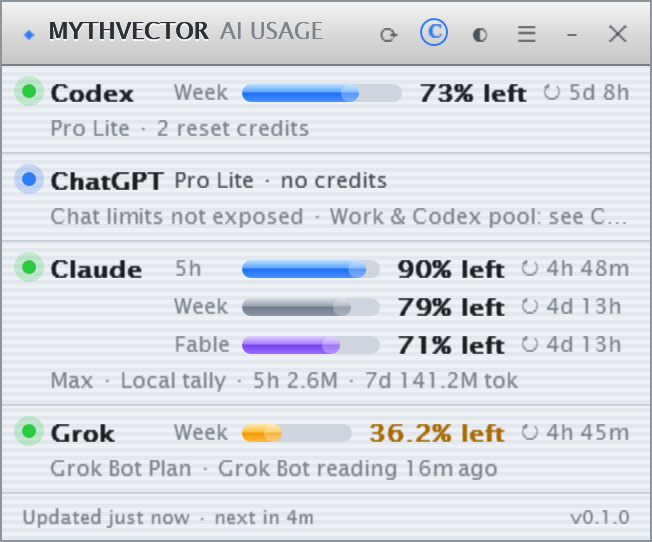
Codex allowance windows, plan and credits use an existing Codex ChatGPT sign-in. ChatGPT shows shared plan/credit status, not separate per-model message limits.
Available five-hour, weekly and model windows use Claude Code sign-in and, where needed, an optional relay. Local token estimates are separate from account allowances.
Grok usage reads a local GrokBot cache and needs GrokBot sign-in and refresh. An optional API-key check reports status only.
These integrations depend on provider endpoints and local caches that can change or become stale. Missing or delayed readings are possible. The app does not guarantee that displayed figures match the provider's current account page.
Source review found no app analytics or MYTHVECTOR usage-upload feature. The app reads existing provider credentials in memory to request account information. Settings, logs and relay files are stored locally; an optional xAI API key is protected with Windows DPAPI.
Enabling the optional Claude relay changes Claude Code's status-line configuration and makes a backup. Removing the relay does not automatically restore a previous status line. Connect Claude can install Claude Code through Anthropic’s installer and open sign-in. Review the included README before enabling integrations. Treat local logs and account data as private when sharing screenshots or support files.